 Support Center
Filling out a Sch. A
🔍 Filling out a Sch. A
This guide shows you how to:
- Follow the steps below - Filling out a Sch. A
⚠️ Before You Begin
You will need access to your Sure-Fire tax software and the return you are working on.
📊 Step-by-Step Guide
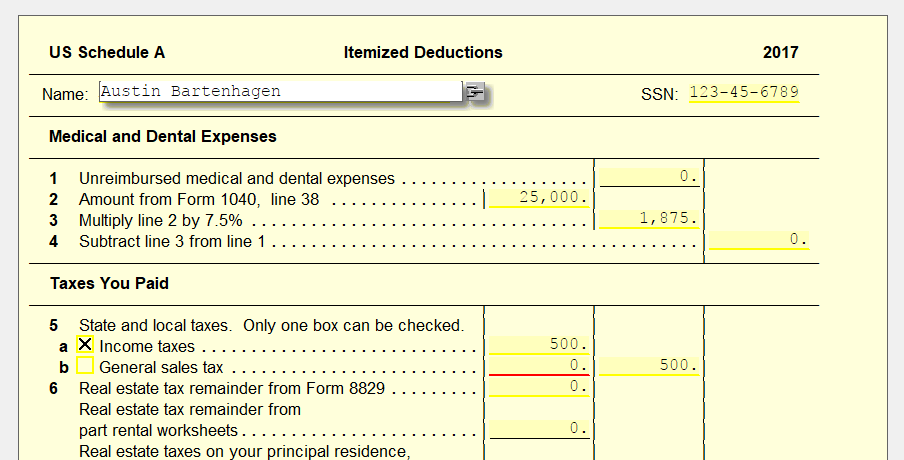
If your client is going to be itemizing deductions for the tax year, you’re going to need a Sch A. This can be found in all returns by default.
On the Sch A, you will find Medical and Dental Expenses, Taxes Paid, Interest Paid, and even Job Expenses. While you can list all of these directly on the form, to go into more detail, it’s recommended to use an A Detail Worksheet. This allows you to go more in-depth regarding each expense, especially if there is more than one for a certain category.
❌ Common Errors
If something doesn’t show up or looks incorrect, double-check that you linked the right statement lines and try again.
📞 Still Need Help?
If you are having trouble, contact our support team:
Phone: 1-800-516-9442
Tags: federal,form